The functionality of the panels in the IT section is focused on configurations specific to the company's IT departments.
Configuration > IT > Support 🔗
The panel where the settings for the suggestion receiver will be configured, or the information regarding the person responsible for company support, who will resolve doubts and receive suggestions from solution users.
Configuration > IT > Devices 🔗
A panel that shows the list of devices from which activity has been registered by software users.

Configuration > IT > Mobile Access 🔗
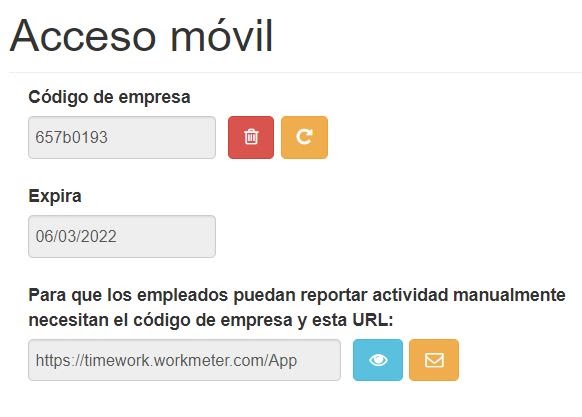
A panel through which employees can manually report activity from their mobile device. For this, it is necessary to create a client code.
To generate it, click the "Generate" button and send it to all the employees you want to be able to report activity from their mobile device.
Settings > IT > Download Installer 🔗
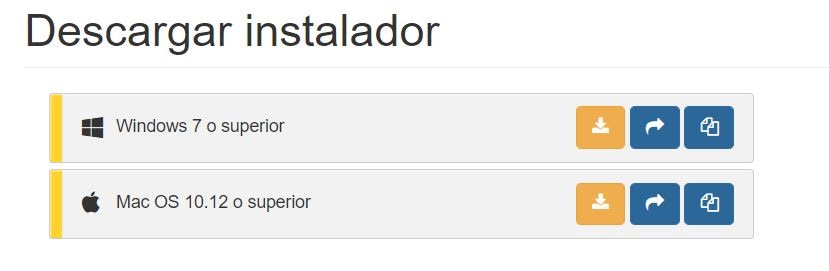
This allows the IT manager to download the software on the company employees' computers. Through this panel, they can choose whether to download the installer for Windows or Mac. To better understand the steps of this process, we invite you to visit the " Installation " page.
Settings > IT > External Devices (API) 🔗
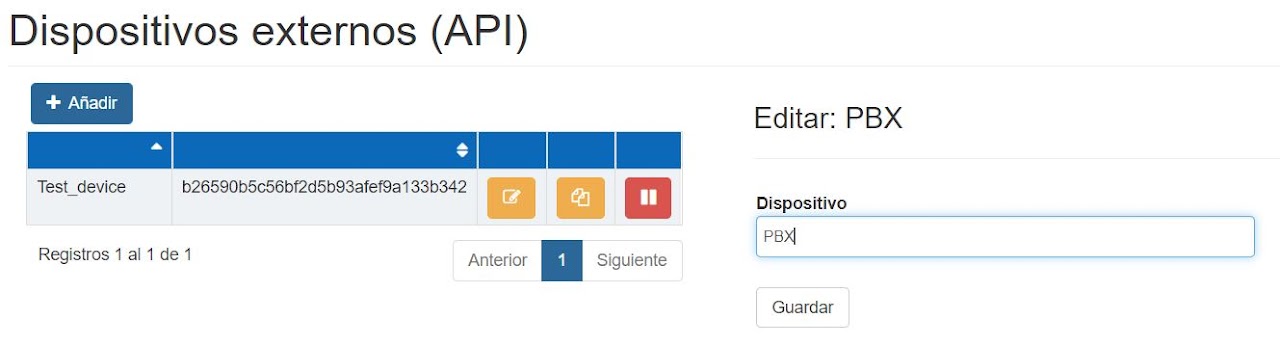
A panel that allows creating an external device with the purpose of feeding the WorkMeter solution with data from such device. A form of data integration.
For example, it is possible to add a PBX, that is, a telephone switchboard. By clicking the "Add" button, the field to add the name of the device to be added will appear, in this case the PBX; upon saving it, the WorkMeter solution will have external information that will complement the existing data.