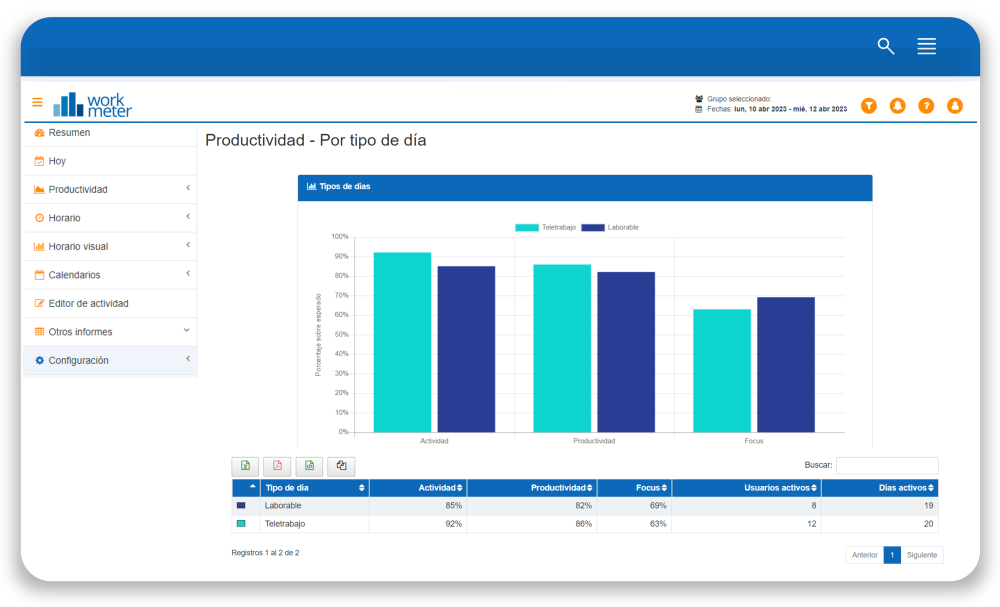
This panel shows averages by employee group and breakdown of data by day
- Day type: Each day type has a name and an expected activity.
- Activity: Time spent interacting with the computer (online time) or tasks outside of it (offline time).
- Active users: Number of active users on the different day types
- Active days: Number of days employees have recorded activity
At the top of this panel you have the option to filter by day type, in case you want to show only the data collected for a specific day type, such as only working days or only days marked as telework. By default, the information shows all day types.
This tool allows you to compare the metrics obtained from the different day types. For example, results obtained in telework and on-site work can be compared.