Manual project entry 🔗
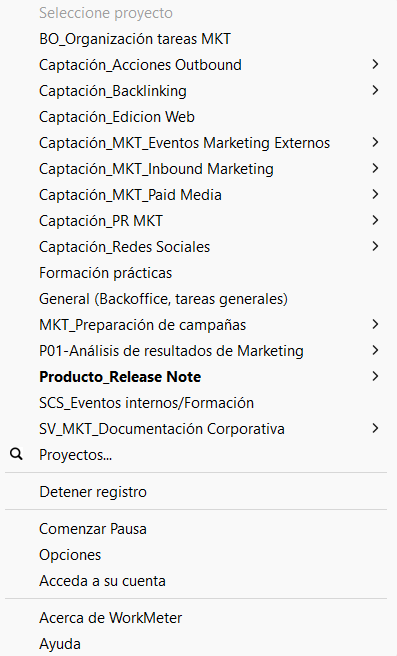
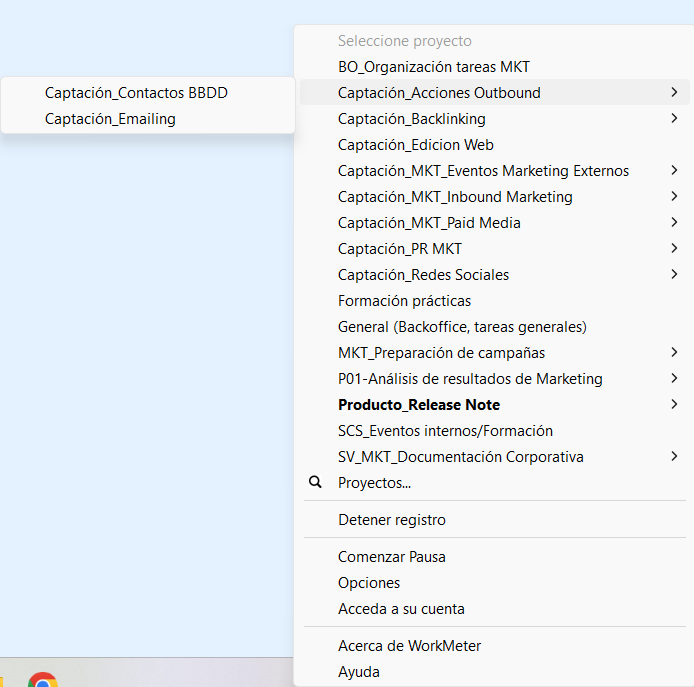
When the system does not automatically detect the project you are working on or you want to change it manually, you can do so from the WorkMeter icon located on your computer's taskbar.
This option allows you to assign your time to the correct project to keep data updated and ensure accurate entry.
How to change the project manually 🔗
1. Access the WorkMeter icon
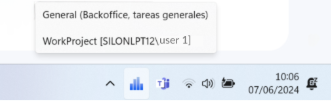
Locate the blue WorkMeter icon on the taskbar (usually in the lower right corner of the screen).