Time Coach 🔗


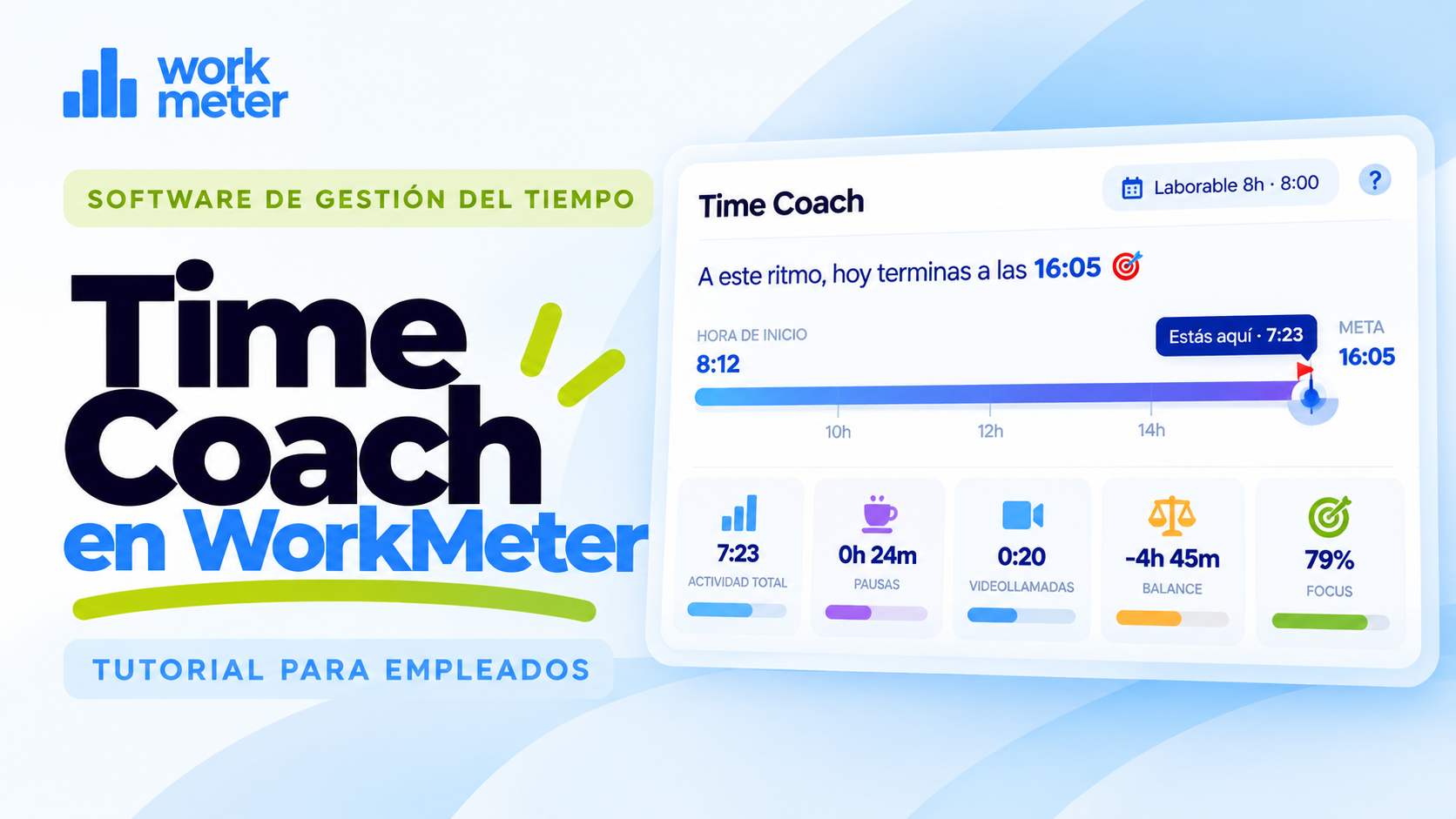
The main function of WorkMeter products is to help employees better manage their time. To this end, in addition to offering online information on the platform, the product provides a summary of the day's progress, available from the same PC, called Time Coach, to help the employee understand how their workday is progressing, and their level of concentration or focus while performing activities on the PC.


To open the Time Coach window, click the left mouse button on the application icon on your PC.
Time Coach

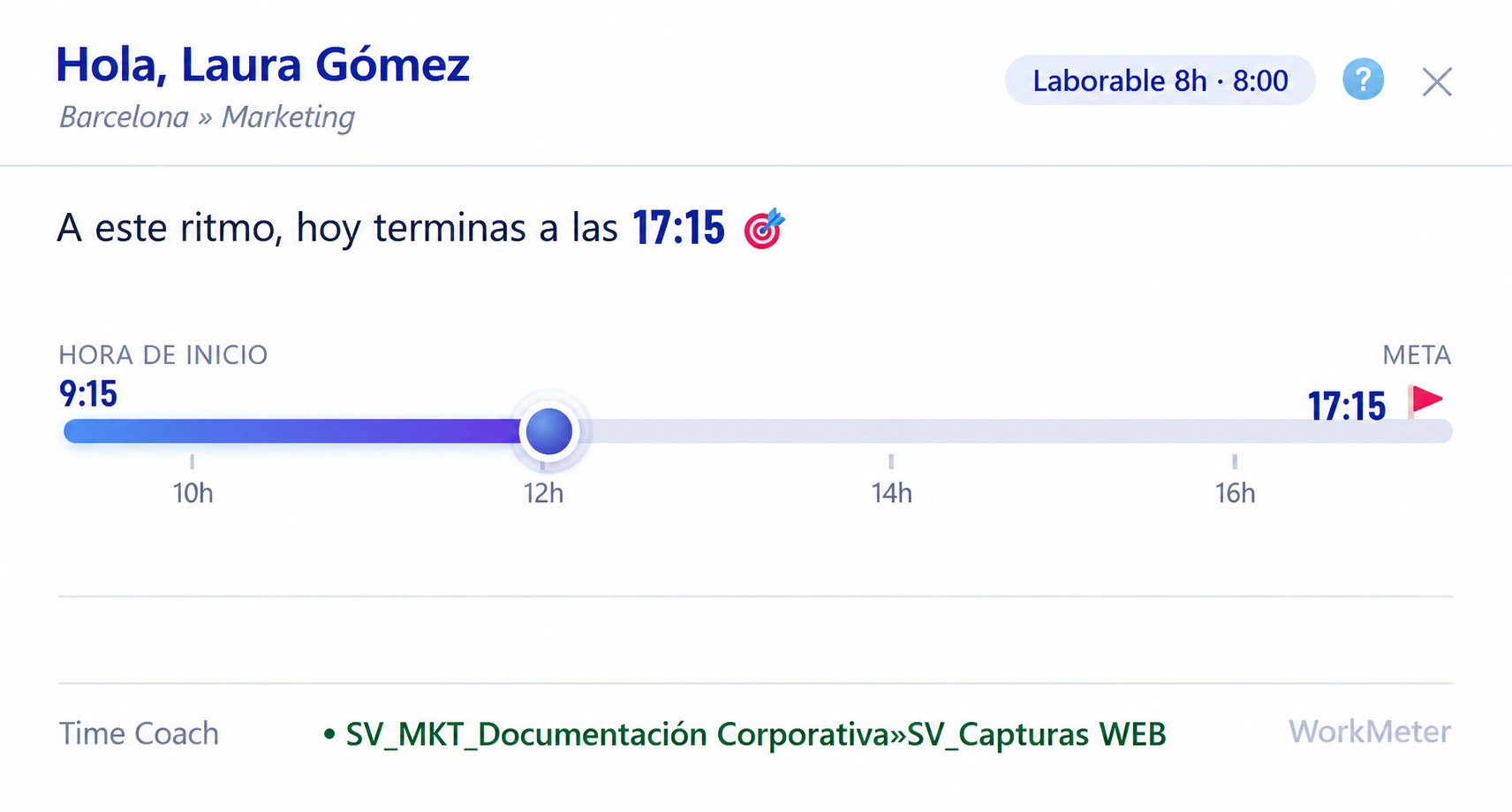
In this window you will find the following information:

  • Name and Group to which you belong
  • Type of workday and its expected duration
  • Start time of today's session (detected on the PC)
  • Approximate recommended end of the workday, according to the expected duration of the workday and active time
  • Progress bar
  • Counters for Total Activity, Videocalls, and Breaks of the day.
  • Active project at this moment (if the project management software function is enabled)
  • Focus or concentration level
  • Details of the workday progress.
Reproducir video

Time Coach Icons: Details of the workday progress 🔗

The Time Coach icons provide details about the progress of the workday through alerts that inform the user about various circumstances related to time management.

time coach 2

There is an excess of hours recorded in previous days. You are probably exceeding the workday several days in a row.

time coach 3

There is a lack of hours recorded in previous days. There is probably a problem with the calendar.

time coach 4

Today's activity has reached its expected level. Start wrapping up your workday.

time coach 5

Today's activity already significantly exceeds the expected level.

time coach 6

You have gone almost 1 hour without taking even a micro break.

time coach 7

You have gone a long time without taking any break.

Important to keep in mind:


Focus is the time spent working on the PC without interruptions (desktop work). It is not an indicator that works the same for everyone, but it can serve as a guide when compared with yourself from one day to another.

Note: Time Coach currently only works on Windows and is only available if your company has requested the activation of this feature.